






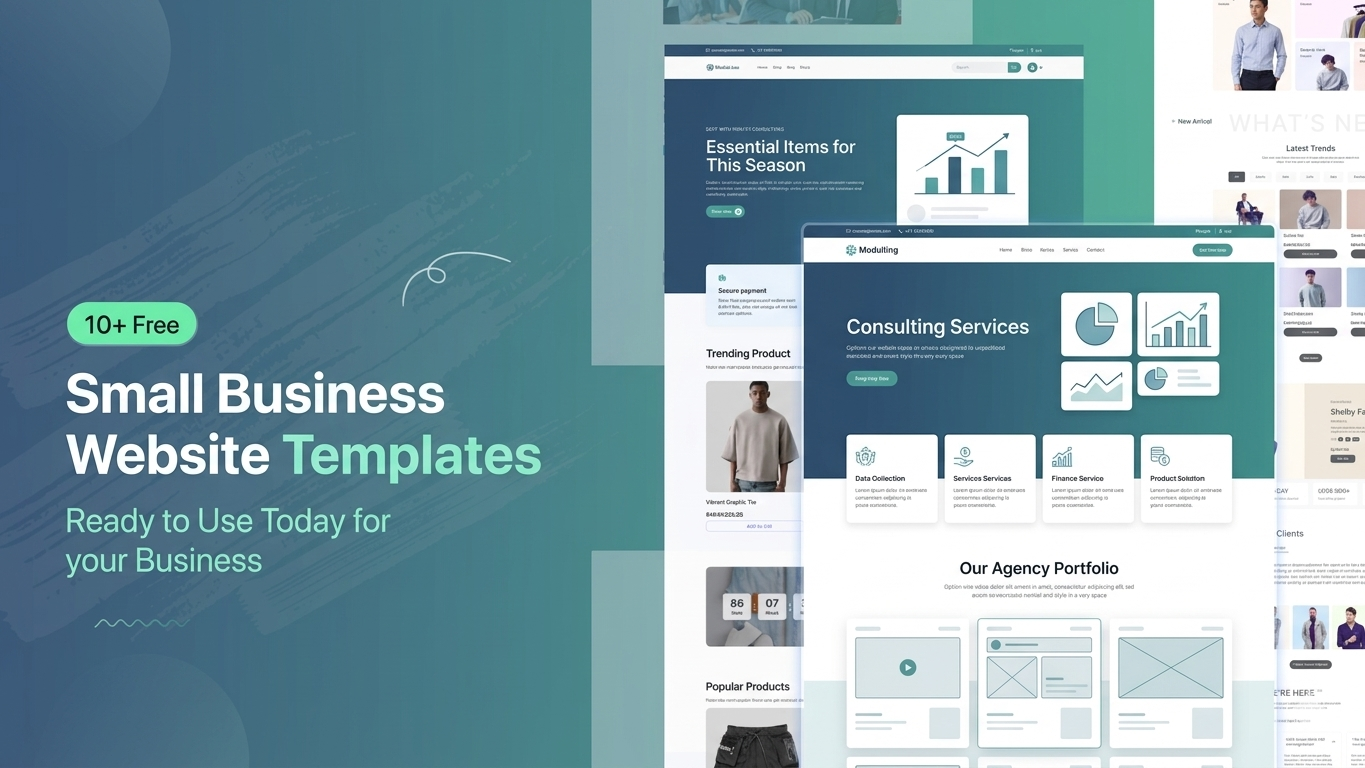

Building a professional website for a small business can be challenging, especially when you have a limited budget and no technical background. Hiring a developer is expensive and time-consuming. That’s why free website templates have become so popular. They allow anyone to launch a modern, responsive, and premium-looking website quickly without coding. In this article, you’ll discover the best free small business website templates and platforms to help you launch your business online today.
Why Use Free Small Business Templates?

Free templates are a smart solution for startups and small businesses that want to go online quickly without spending money on design or development. These templates are pre-designed, fully responsive, and easy to customize. They help you save time, reduce cost, and still achieve a professional look. Most importantly, they are beginner-friendly, so even non-technical users can easily build a complete business website in just a few hours.
- Cost-effective solution
- Quick website launch
- No coding required
- Mobile responsive design
- Easy customization
10+ Free and Small Business Website Templates You Can Use Today

There are many high-quality free templates available for different types of businesses such as consulting, SaaS, agencies, finance, and startups. These templates are designed with modern UI/UX principles, making your website look premium and trustworthy. Whether you are running a service-based business or a digital startup, you can find a suitable ready-made template that matches your brand identity and can be customized easily.
- Corporate Business Template
- Consulting Agency Template
- SaaS / Startup Template
- Finance & Investment Template
- Digital Agency Template
- IT Service Template
- Personal Portfolio Template
- Marketing Agency Template
- Fintech / Payment Template
- Software Company Template
Template Platform Comparison

Choosing the right platform is very important because it affects your website’s speed, flexibility, and ease of customization. Some platforms are beginner-friendly with drag-and-drop builders, while others offer more advanced control but require a bit of learning. Below is a simple comparison of popular template platforms like Templatekits, Elementor Kits, Gutenkits, and others to help you decide which one suits your needs best.
|
Feature |
aBlocks Templatekits |
Elementor Kits |
Gutenkits |
Others |
|
Ease of Use |
Very Easy |
Not Biginar Friendly |
Medium |
Varies |
|
Page Builder |
aBlocks |
Elementor |
Gutenberg |
Mixed |
|
Customization |
High |
High |
Medium |
Low–High |
|
Speed |
Fast |
Medium |
Very Fast |
Varies |
|
Beginner Friendly |
Yes |
Yes |
Moderate |
Not Always |
|
Ready Templates |
Many |
Many |
Moderate |
Limited |
|
Design Quality |
Premium |
Premium |
Simple |
Mixed |
|
Plugins Needed |
aBlocks and ECM |
Elementor |
Gutenberg Blocks |
Depends |
Which Platform Should You Choose?

Each platform has its own strengths depending on your skill level and business needs. If you are a beginner and want a simple setup, Templatekits is a great choice. Elementor Kits is perfect for users who want more design flexibility. Gutenkits is lightweight and fast but slightly more technical. Other platforms may vary in quality, so it’s important to choose carefully based on your project requirements.
- Templatekits → Best for All User
- Elementor Kits → Flexible & popular
- Gutenkits → Fast performance
- Others → Depends on quality
How to Use These Templates

Using these templates is very simple and requires no technical knowledge. Most platforms provide one-click installation and drag-and-drop editing features. You just need to select a template, import it into your website builder, customize the content according to your business, and then publish it. Within less than an hour, your professional-looking website can be live and ready for customers.
Step-by-step process:
- Choose a template
- Import with one click
- Customize content & images
- Publish your website
Important Note (Template Import Guide)
To import these templates, you must first install the aBlocks plugin.
Then follow these steps:
- Install the aBlocks plugin first
- Go to Appearance → aBlocks Templates
- From the menu, select Business Templates
- You will see all available templates there
- Click on the “Start Import” button
- The template will be imported within a few seconds

By following these steps, you can easily import and use your business templates without any issues.
Who Should Use These Templates?

These free templates are ideal for anyone who wants to build a professional online presence without investing heavily in development. They are especially useful for small business owners, startups, freelancers, agencies, and non-technical users. If you want to launch quickly and look professional from day one, these templates are one of the easiest and most effective solutions available today.
- Small business owners
- Startup founders
- Freelancers
- Agencies
- Non-technical users
Final Thoughts
Free small business website templates are a powerful solution for anyone looking to build a modern and professional website without spending money on developers. They are fast, easy to use, and highly customizable. With the right template, you can launch your business online in minutes and create a strong first impression. Whether you choose Templatekits, Elementor Kits, or Gutenkits, the key is to start quickly and focus on growing your business.
FAQ
Are free templates safe to use?
Yes, if you download them from trusted platforms, they are completely safe and secure.
Can I build a professional website using free templates?
Absolutely. Many free templates are designed with premium-level UI and functionality.
Do I need coding skills?
No, all templates are built with aBlocks Import Template.
Will free templates affect SEO?
No, as long as the template is optimized, fast, and mobile-friendly.